Total Accuracy: Exploring Our Comprehensive Aimbot Options Suite
Enable Akimbo, visibility checks, ignore knocked targets, and full FOV/smoothness control for CQB and long-range ABI fights.
Each toggle below maps to a live menu control — use Draw FOV and Draw Target Line while tuning so you never guess your assist cone.
- Double the Threat: Mastering the Enable Akimbo Setting
- Stay Covert: Why the Visible Check Feature Prevents Wasted Shots
- Prioritize Active Threats: The Tactical Advantage of Ignore Knocked
- Lock On Faster: Tracking Enemies with the Draw Target Line Tool
- Visualize Your Reach: Setting Up the Draw FOV Indicator
- Engage on Your Terms: Configuring Max Distance Limitations
- Total Control: Setting Up a Custom Keybind for Mouse Triggers
- Hit the Right Targets: How the Aimbot Filter Keeps You Focused
- Look Natural: Tweaking Aimbot Smoothness to Avoid Detection
- Snap to Action: Finding the Perfect Aimbot Speed Setting
- Expand Your Zone: Optimizing the Aimbot FOV for Best Results
See Everything: A Breakdown of Our Complete Visual Options
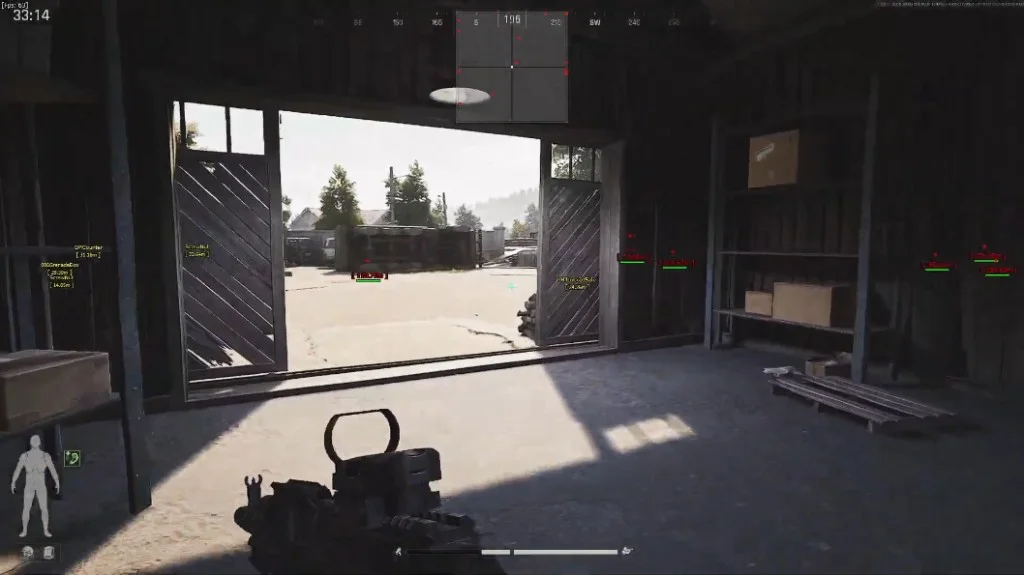
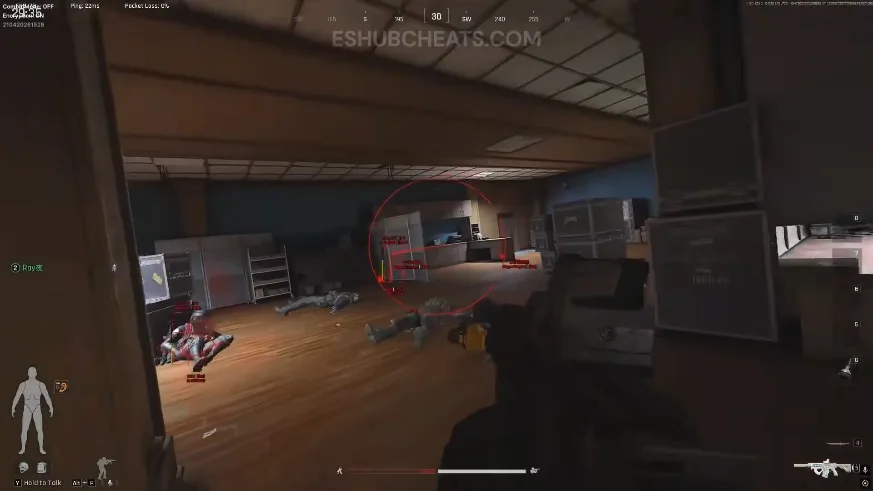
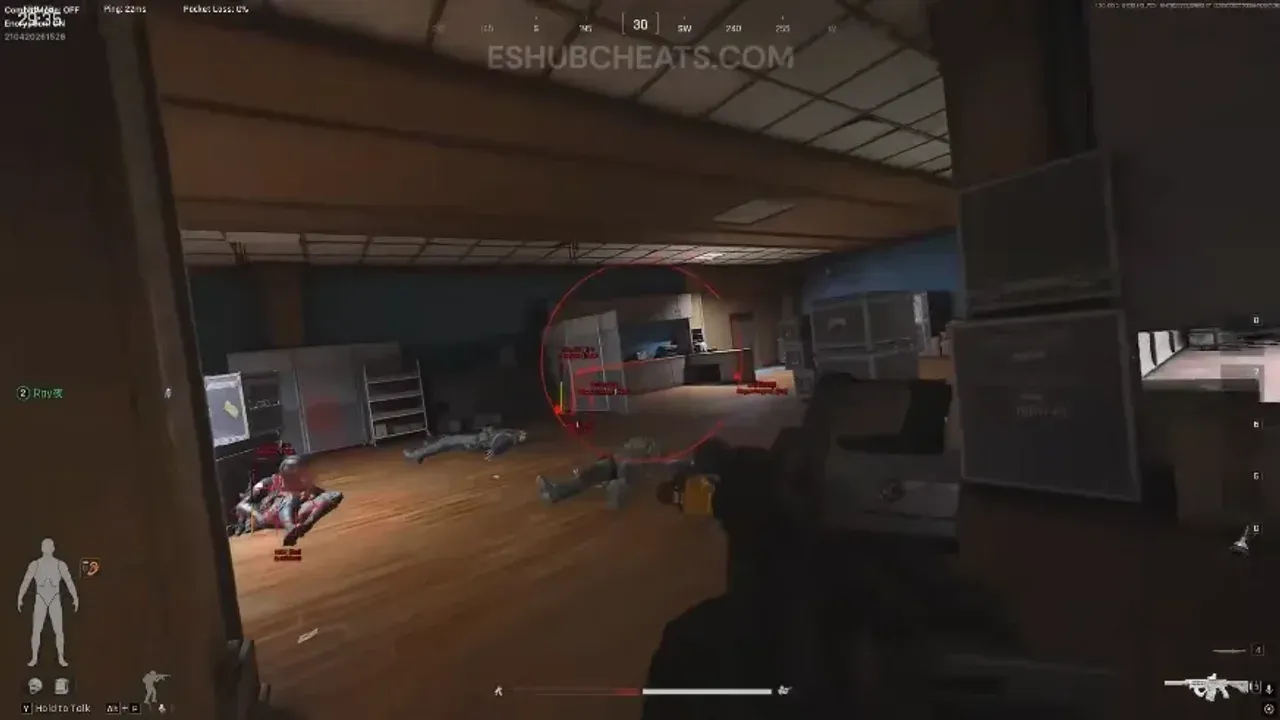
Player ESP, AI ESP, inventory overlays, and combat readability tools for warehouse clears and open-field extracts.
Start with boxes and distance, then layer skeleton rendering and snaplines once you know your monitor layout.
- Track Every Opponent: The Tactical Edge of Player ESP
- Farm Safer: Navigating the Map Easily with AI ESP
- Quick Toggles: When to Enable and Disable Your Core Hacks
- Know Before You Loot: Using the Inventory List Overlay
- Clean Visuals: Highlighting Enemies with 2D Box Trackers
- Perfect Spacing: Using the Distance Tracker to Plan Your Shots
- Identify VIPs: Tracking Hostiles Using the Name Display Feature
- Avoid Friendly Fire: Keeping Track with the Team Index Identifier
- Assess the Threat: Reading Enemy Loadouts via Weapon Type Display
- Outmaneuver Everyone: Understanding Enemy Positioning with View Direction
- Pick Your Fights: Monitoring Enemy Status with the Health Bar Display
- Guarantee Critical Hits: Using the Head Circle Indicator
- Direct Paths to Targets: Navigating Combat with Snaplines
- Read Enemy Posture: The Advantage of Skeleton Rendering
- Loot Smart: Instantly Calculate Value with Inventory Price Checking
- Know Your Matchup: Displaying Enemy Level Tags
- Tactical Positioning: Utilizing Side Display Information in Scrims
Read the Map: Mastering World Visual Options for Better Looting
Corpse ESP, price scanner filters, and distance thresholds for high-value extractions.
Raise minimum price thresholds during contested raids so only top-tier ground loot glows on screen.
- Quick Scavenging: Locating High-Value Drops with Player Corpse ESP
- Never Miss a Drop: Farming efficiently with AI Corpse ESP
- Maximize Your Run: Using the Price Scanner to Spot Top Tier Loot
- Declutter Your Screen: Adjusting Max Distance for Item Displays
- Filter the Junk: Setting a Minimum Price Threshold for Ground Loot
Quality of Life Tweaks: Exploring the Misc Options Menu
Crosshair overlay, font scaling, combat mode, and raid-ready config profiles.
Save separate configs for looting, PvP, and squad scrims — load them mid-raid without rebuilding sliders.
- Always Centered: Upgrading Your Aim with a Custom Crosshair Overlay
- Readability Matters: Customizing Font Size for Screen Clarity
- Focus Up: When to Activate the Streamlined Combat Mode
- Personalize Your Toolkit: How to Create a Custom Hack Config
- Lock It In: Best Practices to Save Config Settings Safely
- Swap on the Fly: How to Quickly Load Config Profiles Mid-Raid
- Keep It Tidy: When and How to Delete Config Files You No Longer Need
Related guides and checkout
Deep-dive modules on the ESP page, aimbot page, and wall hack page.
Monthly ($35) and lifetime ($150) licenses include every feature above with ACE maintenance on the Updates page. Compare plans on Pricing.
Official game guides & resources
We link to trusted third-party sources so you can verify patch notes, player stats, and map info outside our site.
- Arena Breakout Infinite on PC Official store page, system requirements, and player reviews.
- Arena Breakout Infinite patch notes & news Read official update posts before you change your loadout.
- Official Arena Breakout Infinite website Game overview from MoreFun Studios.
- Arena Breakout Infinite Wiki (Fandom) Player stats, maps, and PMC loadouts.
- Arena Breakout Infinite community hub Announcements and community discussions.